Skip to main content
Deleting Bills
Step Up Projects
Deleting Bills
How to delete a Bill
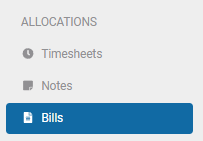
- Under the Allocations heading, Select Bills
- Choose you date range and status from the drop down option - This can help find the bill quicker
- If you know the bill number, merchant or supplier you can search using the search bar.
- Once you can see the bill/s you want to delete, check the boxes to the left of the invoice
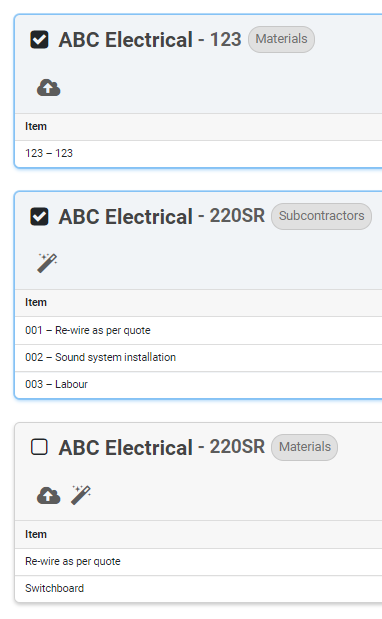
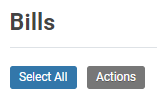
- Click Actions above the list of Bills
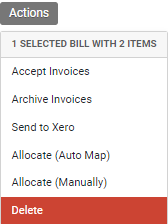
- Choose delete from the Actions dropdown box
- Once you click delete a warning prompt will appear
- Click delete to continue the process
- Or click Cancel to stop the deleting process

- When the bill is deleted it will remove any attachments the bill/s had attached to it


Comments
0 comments
Article is closed for comments.