
Unallocated Bills
Have you got a dollar value in the unallocated line of your Project?
To find these unallocated bills
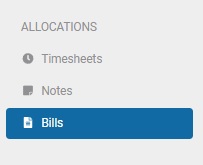
- Under the Allocations heading, select Bills
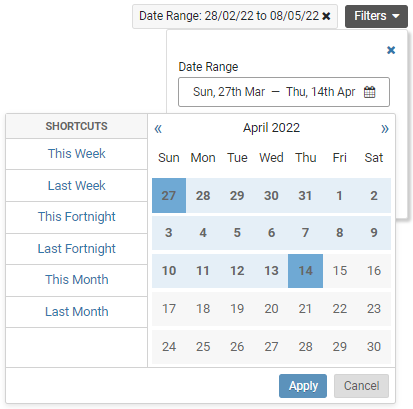
- Select your date range, by clicking the filter button

- Once you have selected your date range click 'Apply'
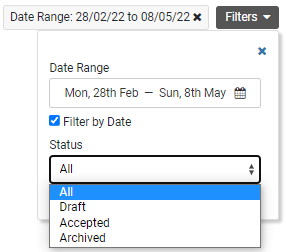
- Select the status you want to view
- Check the 'Only show unallocated bills?' box
- This will display any bills that have no allocation to a Project and those that have only be allocated to Project level and require allocation to Task and costs


- You can search all unallocated bills without a date range by unselecting the Filter by Date box and checking the Only show unallocated bills? box

Learn how to use the Auto Map function
Comments
0 comments
Article is closed for comments.