
Where to find Step Up Projects timesheets in Xero payroll
How to find your Step Up Projects timesheets in your Xero payroll.
Once you have exported your Payroll report from Step Up Projects to Xero Payroll you will need to login into Xero.
- Please note that Xero Payroll is an additional service to have with your Xero account.
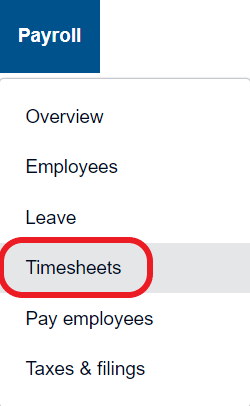
- Once logged into Xero select the Payroll tab

- From the drop down options select time sheets
- Select your pay calendar
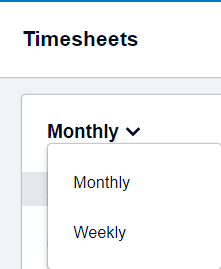
- Select each worker
- Approve their hours brought in from Step Up Projects in Xero
- Once approved complete your pay run in Xero
Xero: Process a pay run and pay employees
* Please note the link above will take you to the Xero help documentation
Setup Xero Employees in Step Up Projects
Comments
0 comments
Article is closed for comments.