
This is how to manage your subscription on the Step Up Projects platform.
Here you can manage your subscription, update your payment method, change your billing address, view your billing history, download previous invoices, see when your next invoice is due and view the breakdown of your subscription and select any add-ons.
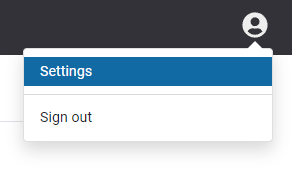
- Once you have logged in click on the Person icon in the right hand corner
- Select Settings from the drop down box
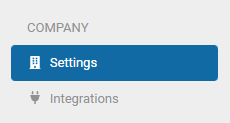
- Select Settings under the Company heading
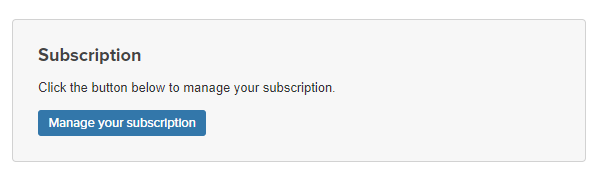
- You will see the Subscription box, press the Manage your subscription button
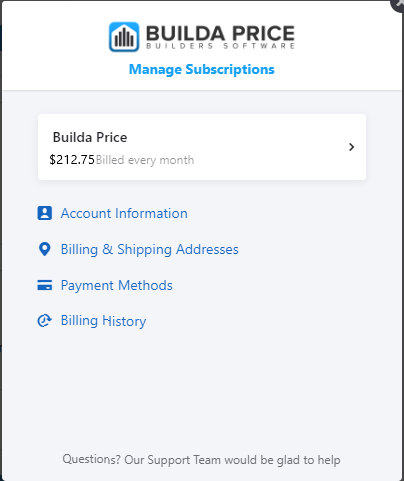
- A pop-up box will appear, from here you can manage your subscription, update your payment method, change your billing address, view your billing history (download previous invoices), see when your next invoice is due and view the breakdown of your subscription.
If you have any questions please feel free to get in touch with the Step Up Projects Team.
Comments
0 comments
Article is closed for comments.